mirror of
https://github.com/danbulant/monaco-yaml
synced 2026-09-17 13:23:54 +00:00
No description
| .github/workflows | ||
| .husky | ||
| .vscode | ||
| examples | ||
| scripts | ||
| src | ||
| .editorconfig | ||
| .gitignore | ||
| .prettierignore | ||
| LICENSE.md | ||
| package-lock.json | ||
| package.json | ||
| README.md | ||
| test-demo.png | ||
| tsconfig.json | ||


Monaco YAML
YAML language plugin for the Monaco Editor. It provides the following features when editing YAML files:
- Code completion, based on JSON schemas or by looking at similar objects in the same file
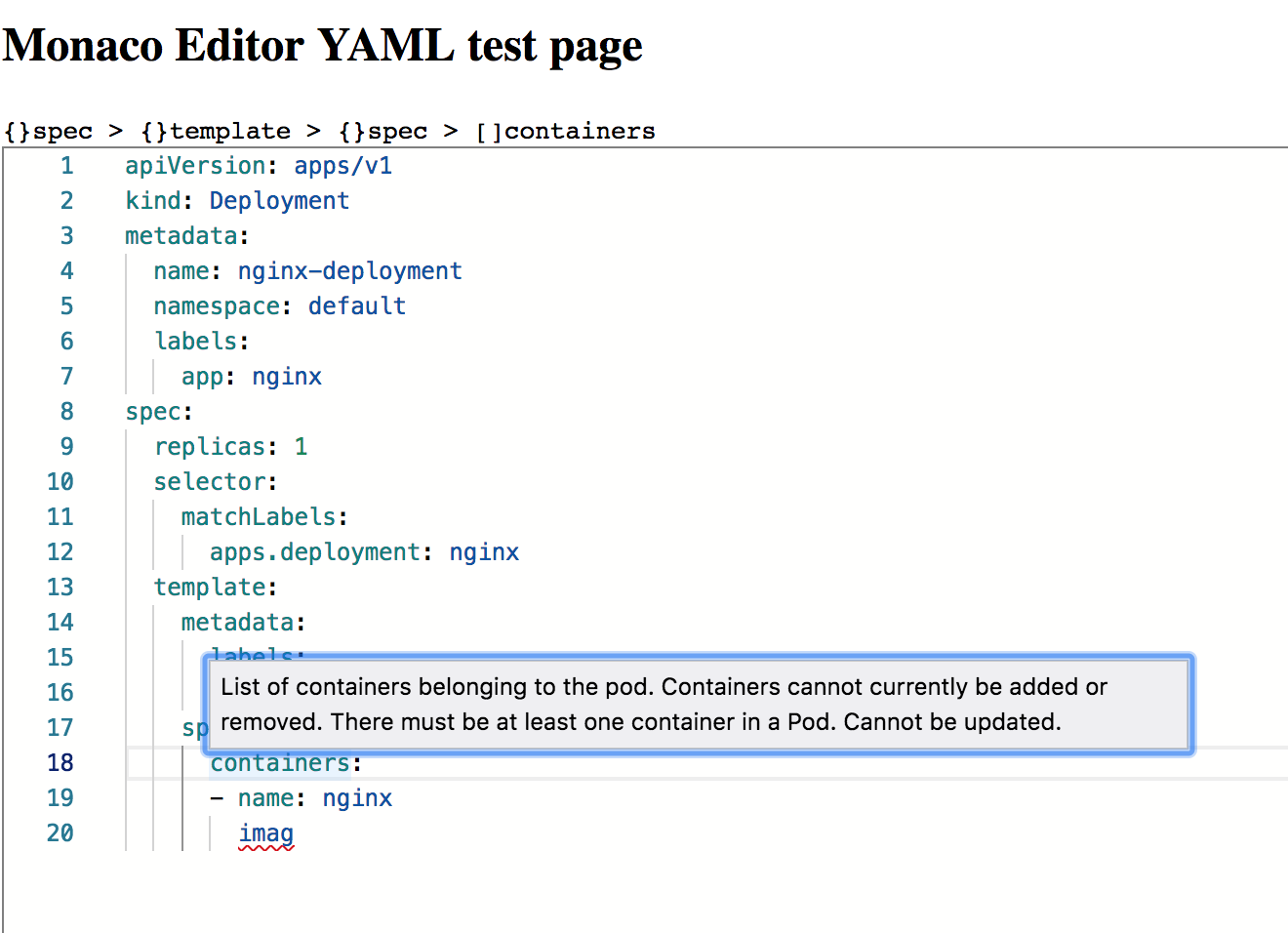
- Hovers, based on JSON schemas
- Validation: Syntax errors and schema validation
- Formatting
- Document Symbols
- Syntax highlighting
- Automatically load remote schema files (by enabling DiagnosticsOptions.enableSchemaRequest)
Schemas can also be provided by configuration. See here for the API that the JSON plugin offers to configure the JSON language support.
Installation
npm install monaco-yaml
Usage
Import monaco-yaml and configure it before an editor instance is created.
import { editor, languages, Uri } from 'monaco-editor';
import 'monaco-yaml';

// The uri is used for the schema file match.
const modelUri = Uri.parse('a://b/foo.yaml');

languages.yaml.yamlDefaults.setDiagnosticsOptions({
  enableSchemaRequest: true,
  hover: true,
  completion: true,
  validate: true,
  format: true,
  schemas: [
    {
      uri: 'http://myserver/foo-schema.json', // id of the first schema
      fileMatch: [modelUri.toString()], // associate with our model
      schema: {
        type: 'object',
        properties: {
          p1: {
            enum: ['v1', 'v2'],
          },
          p2: {
            $ref: 'http://myserver/bar-schema.json', // reference the second schema
          },
        },
      },
    },
    {
      uri: 'http://myserver/bar-schema.json', // id of the first schema
      schema: {
        type: 'object',
        properties: {
          q1: {
            enum: ['x1', 'x2'],
          },
        },
      },
    },
  ],
});

editor.create(document.createElement('editor'), {
  // monaco-yaml features should just work if the editor language is set to 'yaml'.
  language: 'yaml',
  model: editor.createModel('p1: \n', 'yaml', modelUri),
});
Also make sure to register the service worker. See the examples directory for full fledged examples.
Development
git clone https://github.com/pengx17/monaco-yamlcd monaco-yamlnpm ci
A running example: