| .github/workflows | ||
| .husky | ||
| examples/webpack | ||
| scripts | ||
| src | ||
| .editorconfig | ||
| .eslintrc.yaml | ||
| .gitignore | ||
| .prettierignore | ||
| .prettierrc.yaml | ||
| CONTRIBUTING.md | ||
| index.d.ts | ||
| LICENSE.md | ||
| netlify.toml | ||
| package-lock.json | ||
| package.json | ||
| README.md | ||
| test-demo.png | ||
| tsconfig.json | ||


Monaco YAML



YAML language plugin for the Monaco Editor. It provides the following features when editing YAML files:
- Code completion, based on JSON schemas or by looking at similar objects in the same file
- Hovers, based on JSON schemas
- Validation: Syntax errors and schema validation
- Formatting using Prettier
- Document Symbols
- Automatically load remote schema files (by enabling DiagnosticsOptions.enableSchemaRequest)
Schemas can also be provided by configuration. See here for the API that the plugin offers to configure the YAML language support.
Installation
npm install monaco-yaml
Usage
Import monaco-yaml and configure it before an editor instance is created.
import { editor, Uri } from 'monaco-editor';
import { setDiagnosticsOptions } from 'monaco-yaml';

// The uri is used for the schema file match.
const modelUri = Uri.parse('a://b/foo.yaml');

setDiagnosticsOptions({
  enableSchemaRequest: true,
  hover: true,
  completion: true,
  validate: true,
  format: true,
  schemas: [
    {
      // Id of the first schema
      uri: 'http://myserver/foo-schema.json',
      // Associate with our model
      fileMatch: [String(modelUri)],
      schema: {
        type: 'object',
        properties: {
          p1: {
            enum: ['v1', 'v2'],
          },
          p2: {
            // Reference the second schema
            $ref: 'http://myserver/bar-schema.json',
          },
        },
      },
    },
    {
      // Id of the first schema
      uri: 'http://myserver/bar-schema.json',
      schema: {
        type: 'object',
        properties: {
          q1: {
            enum: ['x1', 'x2'],
          },
        },
      },
    },
  ],
});

editor.create(document.createElement('editor'), {
  // Monaco-yaml features should just work if the editor language is set to 'yaml'.
  language: 'yaml',
  model: editor.createModel('p1: \n', 'yaml', modelUri),
});
Also make sure to register the web worker.
Examples
A running example: 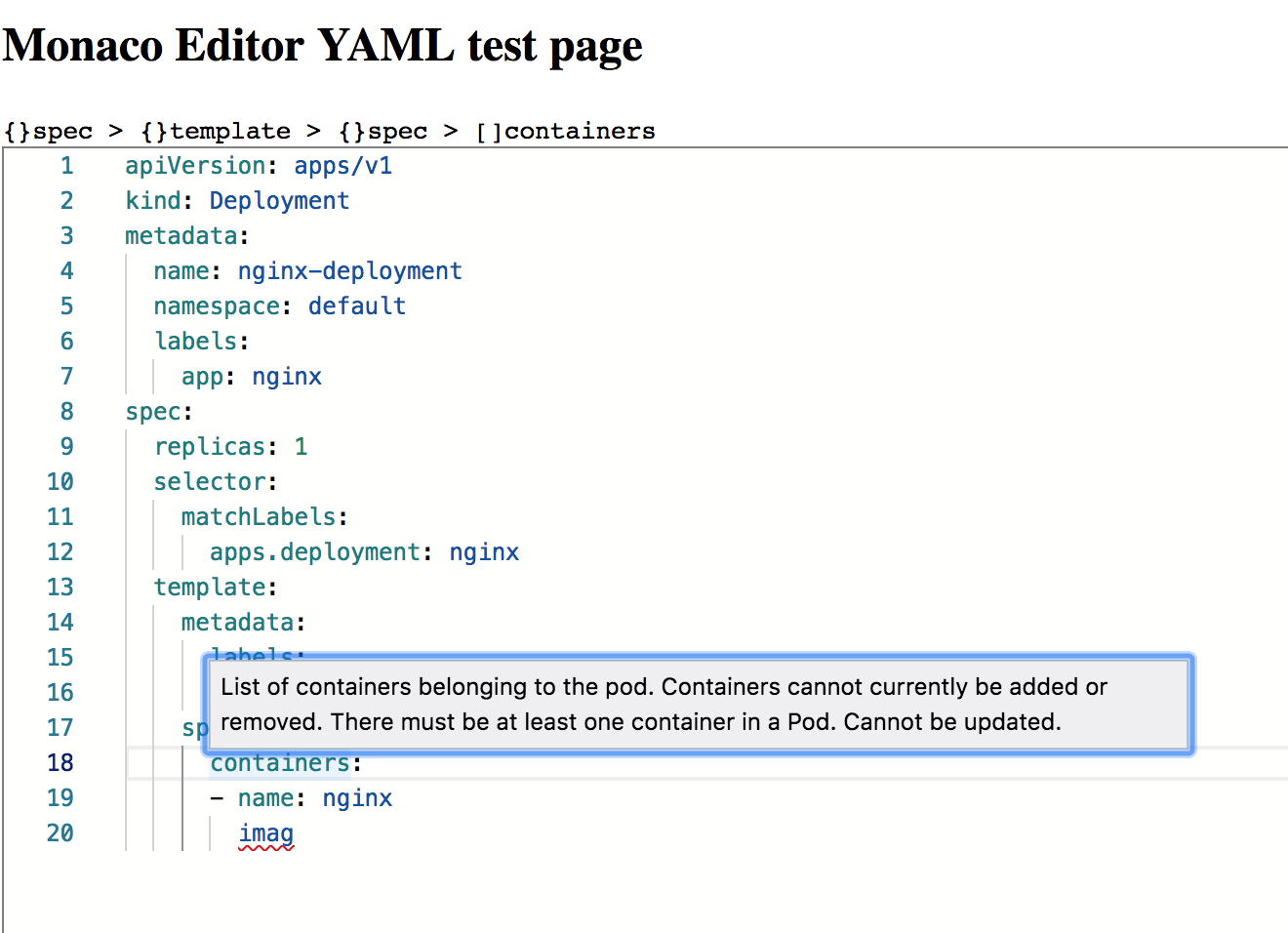
Some usage examples can be found in the examples directory.
Contributing
Please see our contributing guidelines
Credits
Originally @kpdecker forked this repository from
monaco-json by
@microsoft and rewrote it to work with
yaml-language-server instead. Later
the repository maintenance was taken over by @pengx17. Eventually the
repository was tranferred to the account of @remcohaszing, who is
currently maintaining this repository with the help of fleon and
@yazaabed.
The heavy processing is done in
yaml-language-server, best known for
being the backbone for vscode-yaml. This
repository provides a thin layer to add functionality provided by yaml-language-server into
monaco-editor.